
UI Design
UI design that makes complex products feel clear, consistent, and easy to use
I design modern interfaces for websites, portals, and SaaS products—built for clarity, accessibility, and fast decision-making. The goal is simple: reduce confusion, prevent errors, and help users complete tasks with confidence.
You’ll get polished, consistent UI that works across screens and states (loading, empty, error, success), plus implementation-ready guidance so teams can build without rework.
What UI design improves
UI breaks down when hierarchy is unclear, patterns drift, and states aren’t defined. I design interfaces that are predictable, scannable, and consistent—so users can move faster and teams can ship without visual debt.
Problems I solve
- Busy screens that are hard to scan or prioritize.
- Inconsistent components and styles across pages.
- Missing UI states (empty, error, loading, success).
- Form patterns that create errors and drop-offs.
- Accessibility gaps (contrast, focus, target sizes).
UI design showcase
A curated set of UI examples—organized by type so visitors can scan fast. Replace image URLs with your portfolio screenshots.
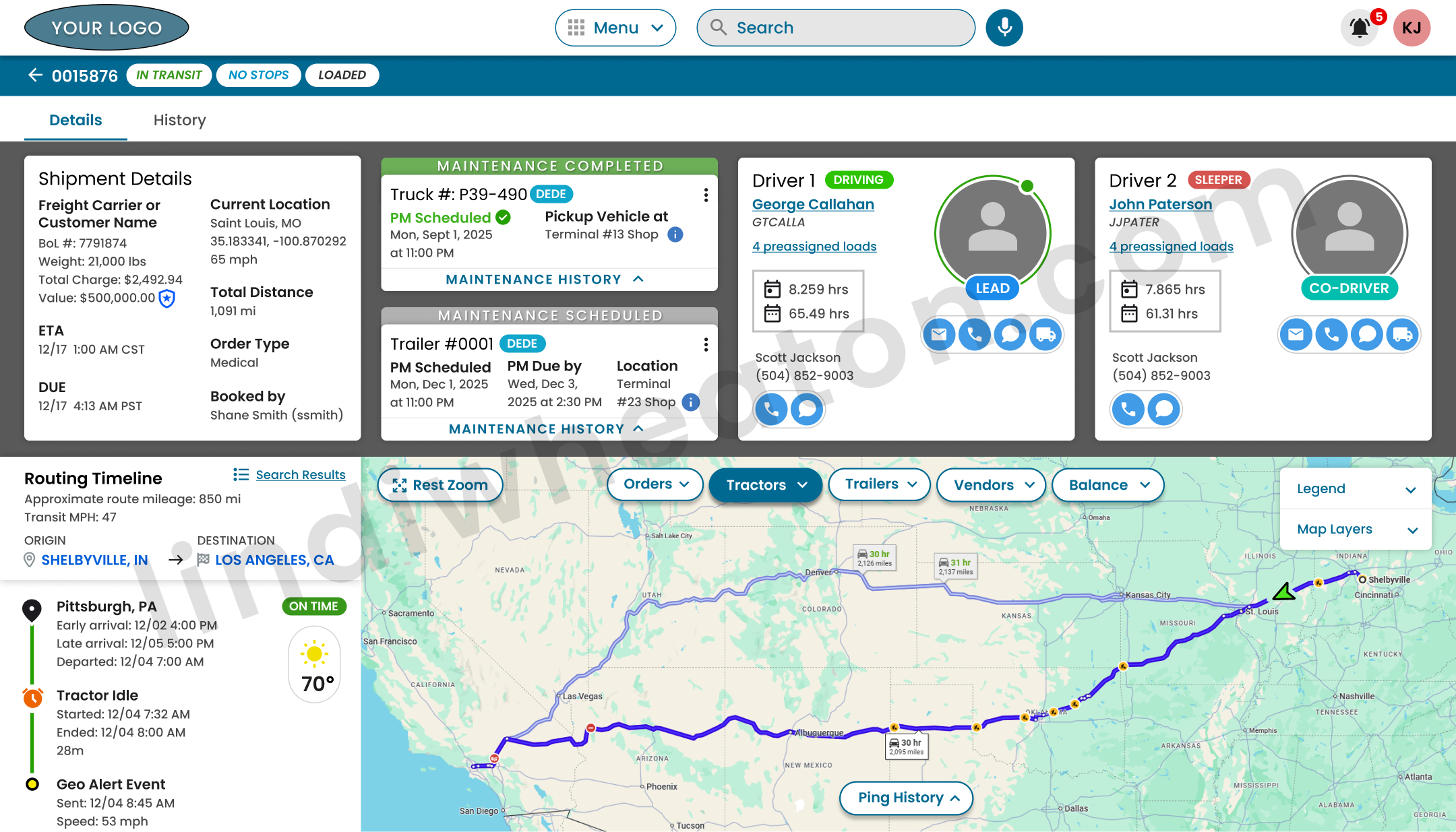 Featured
Operational dashboard built for scanning and fast decisions
Clear hierarchy, status-first layout, and predictable components so users can act quickly without hunting for the next step.
- Priority actions + status grouping
- Reusable components + consistent spacing
- Defined empty/loading/error/success states
Dashboards
High-density UI with clear hierarchy, table patterns, and fast scanning.
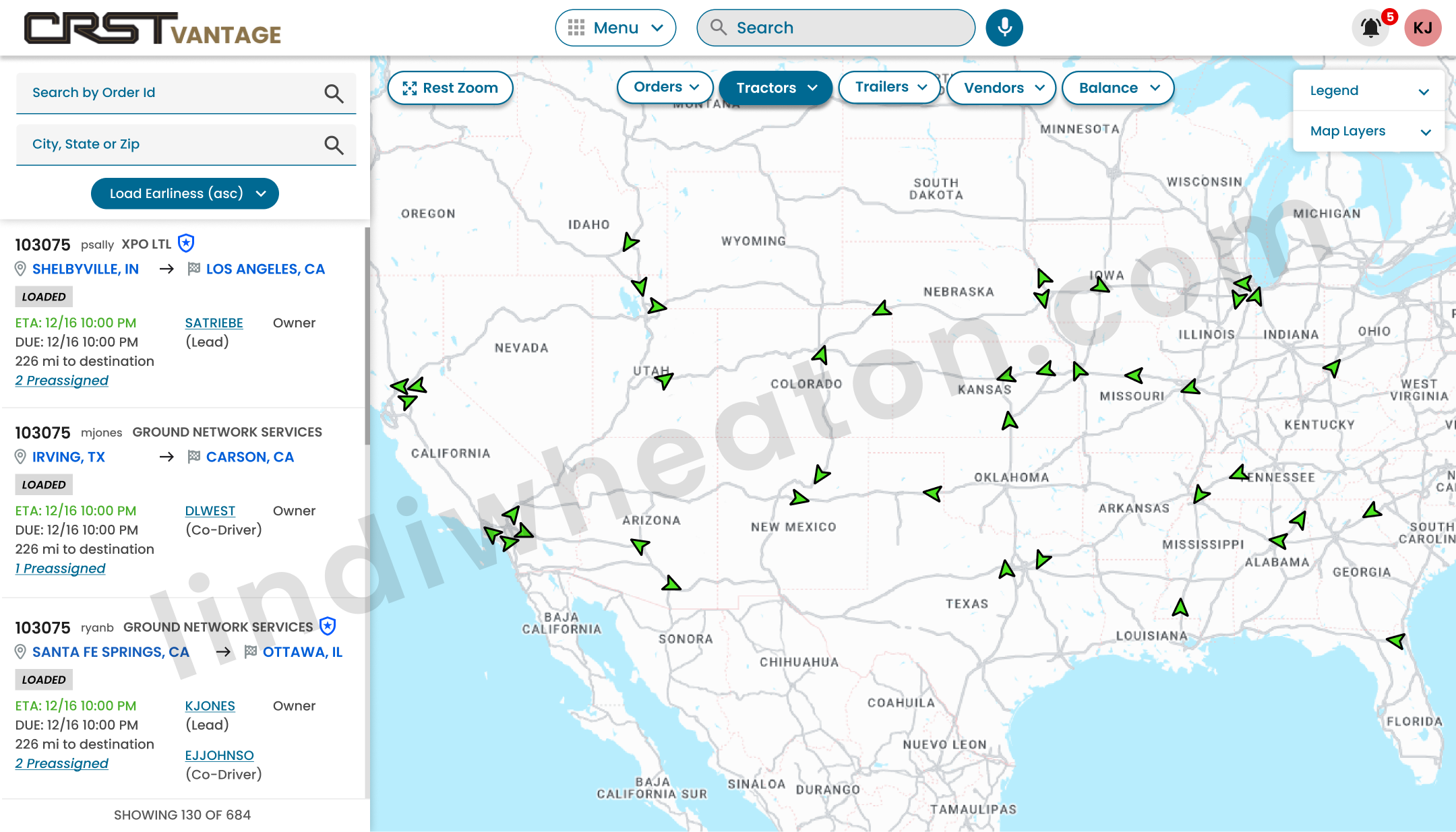
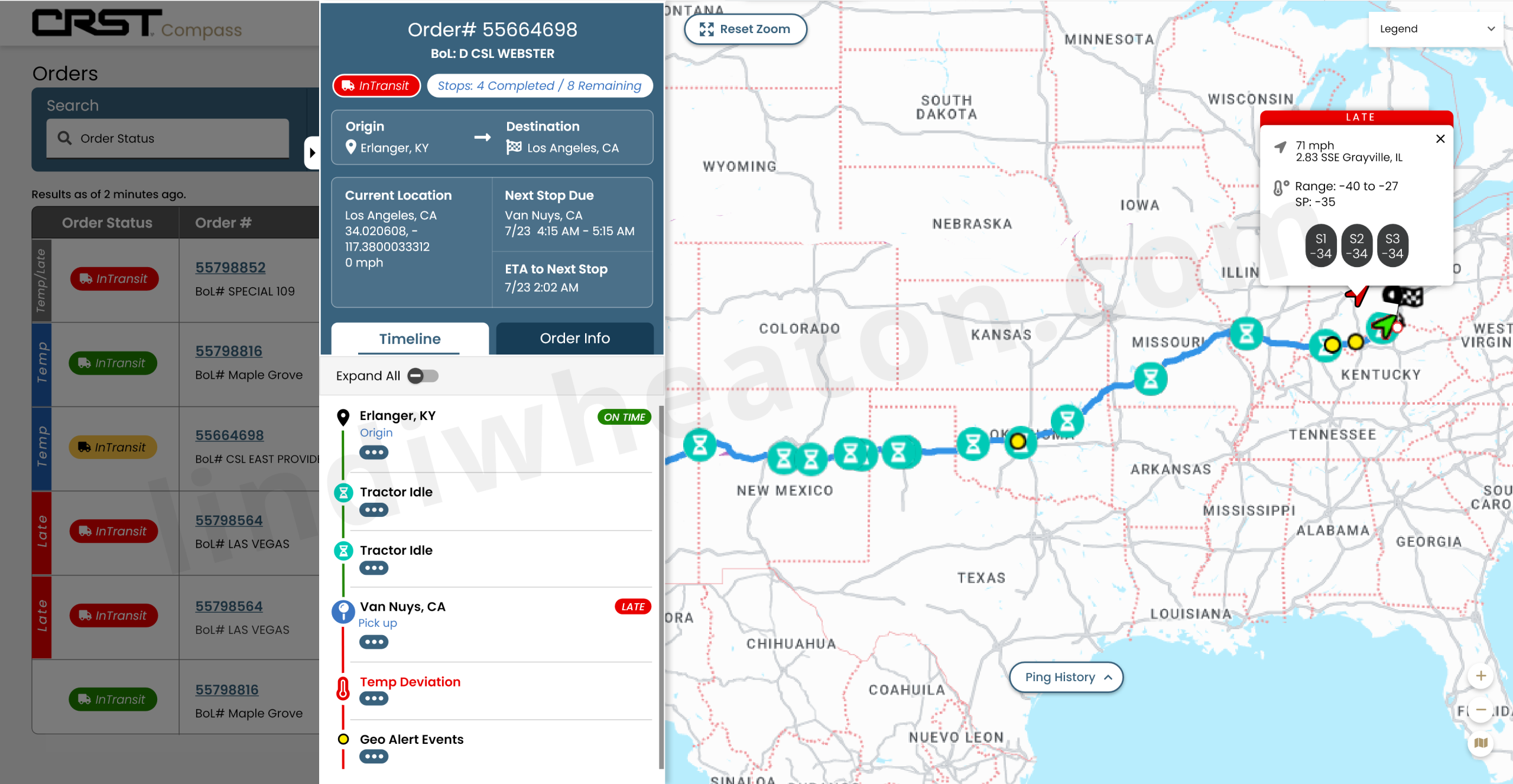
Dispatch Live Map UI
Key metrics, trends, and next actions surfaced for fast scanning.
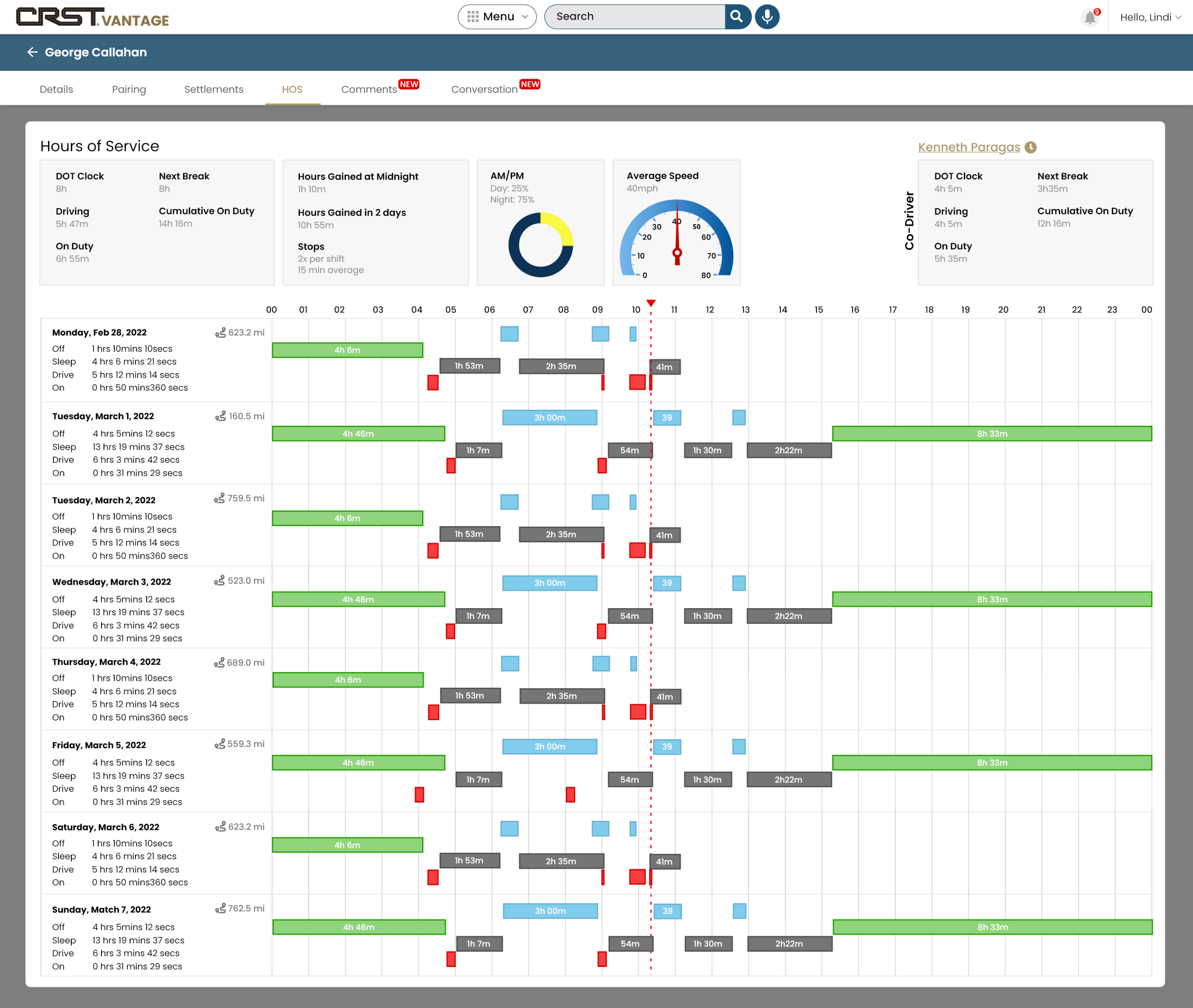
Hours of Service (HOS)
HOS time, limits, and availability surfaced at a glance.

Dispatch Driver Management
Driver status, assignments, and communication in one clear view.
Portals
Multi-step workflows with consistent navigation, states, and confirmations.
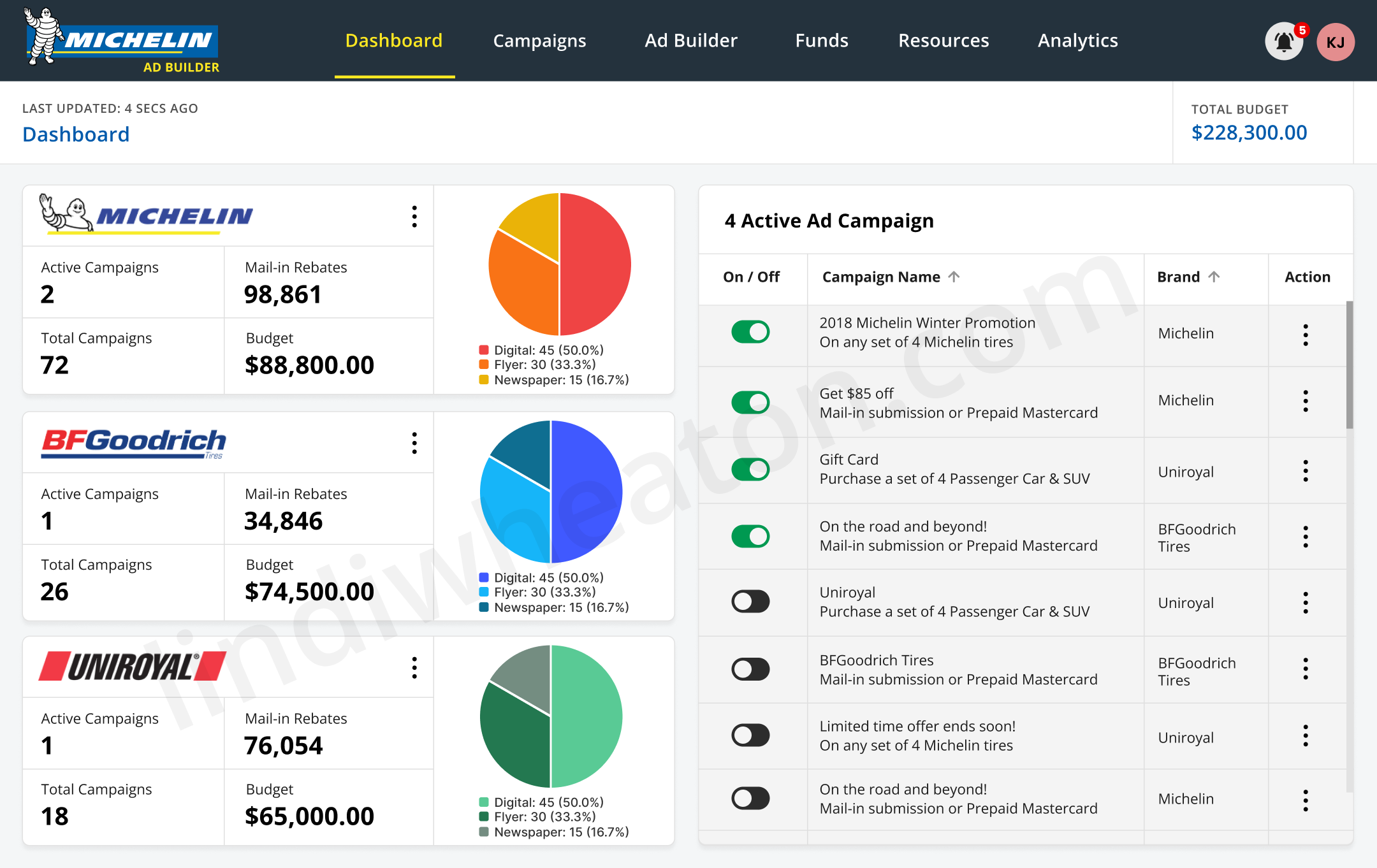
Michelin Ad Builder
Ad creation, preview, and approvals streamlined in one interface.
Dispatch Software
Loads, drivers, and updates organized in one clear workspace.
Mobile UI
Thumb-friendly layouts with clear next steps and readable states.
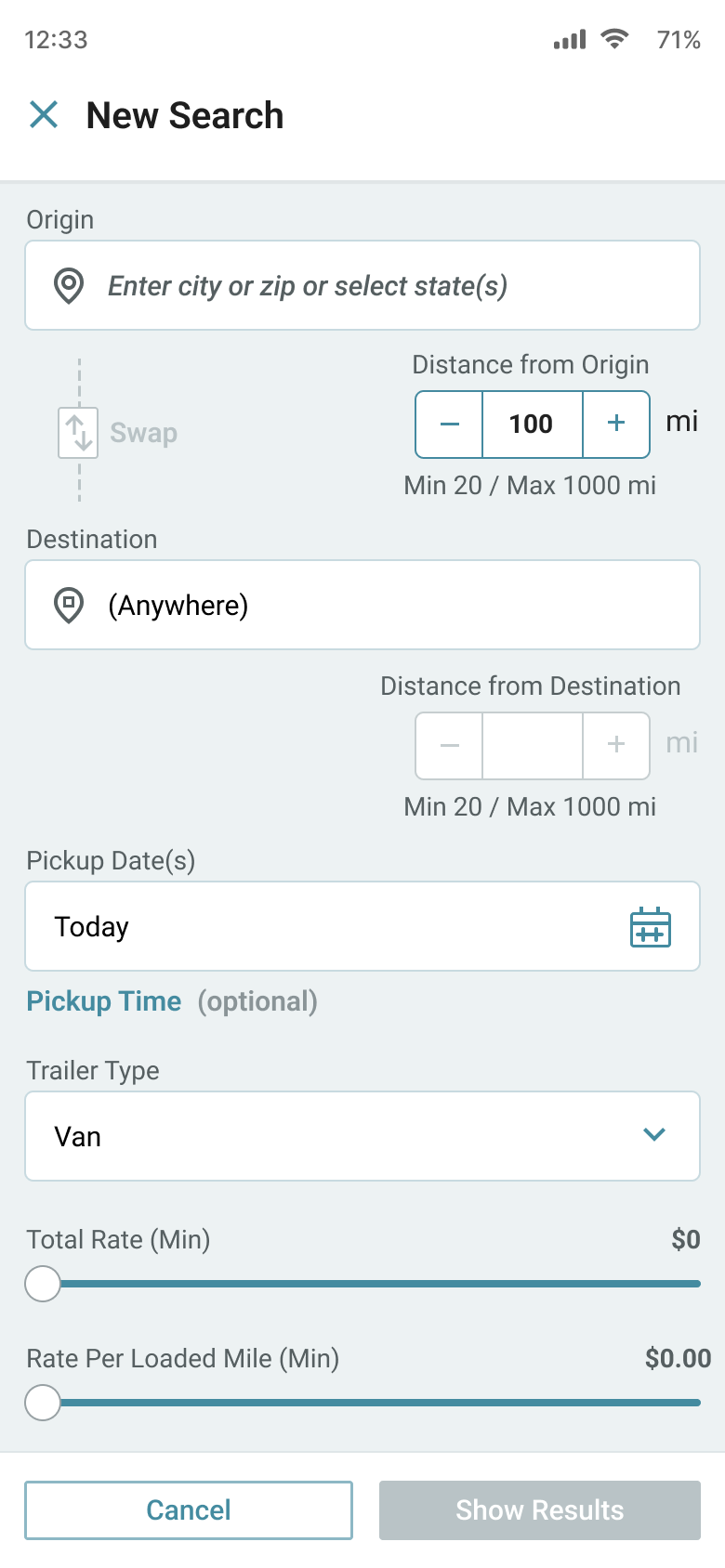
Load Board
Available loads, pricing, and details clearly organized.
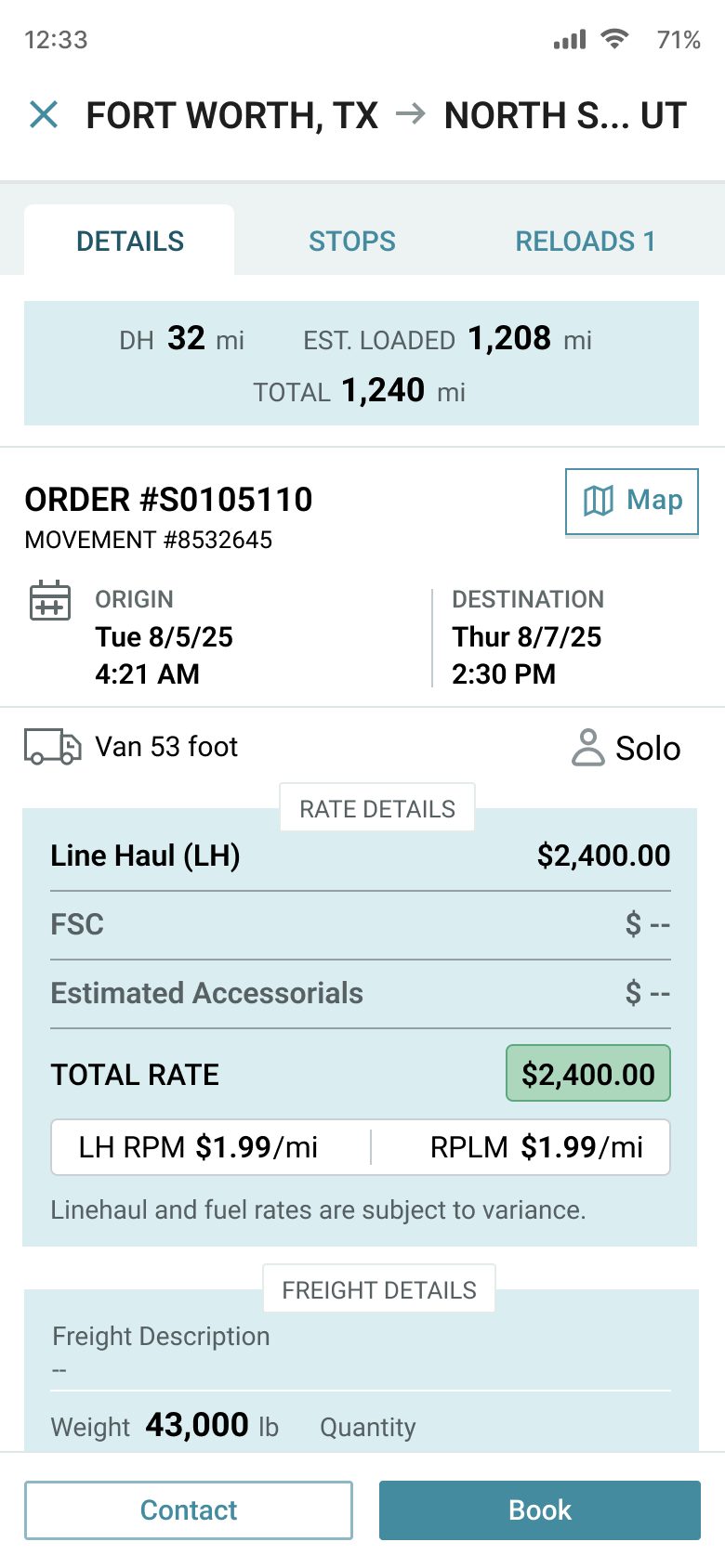
Load Details
Pickup, delivery, and requirements clearly organized in one view.
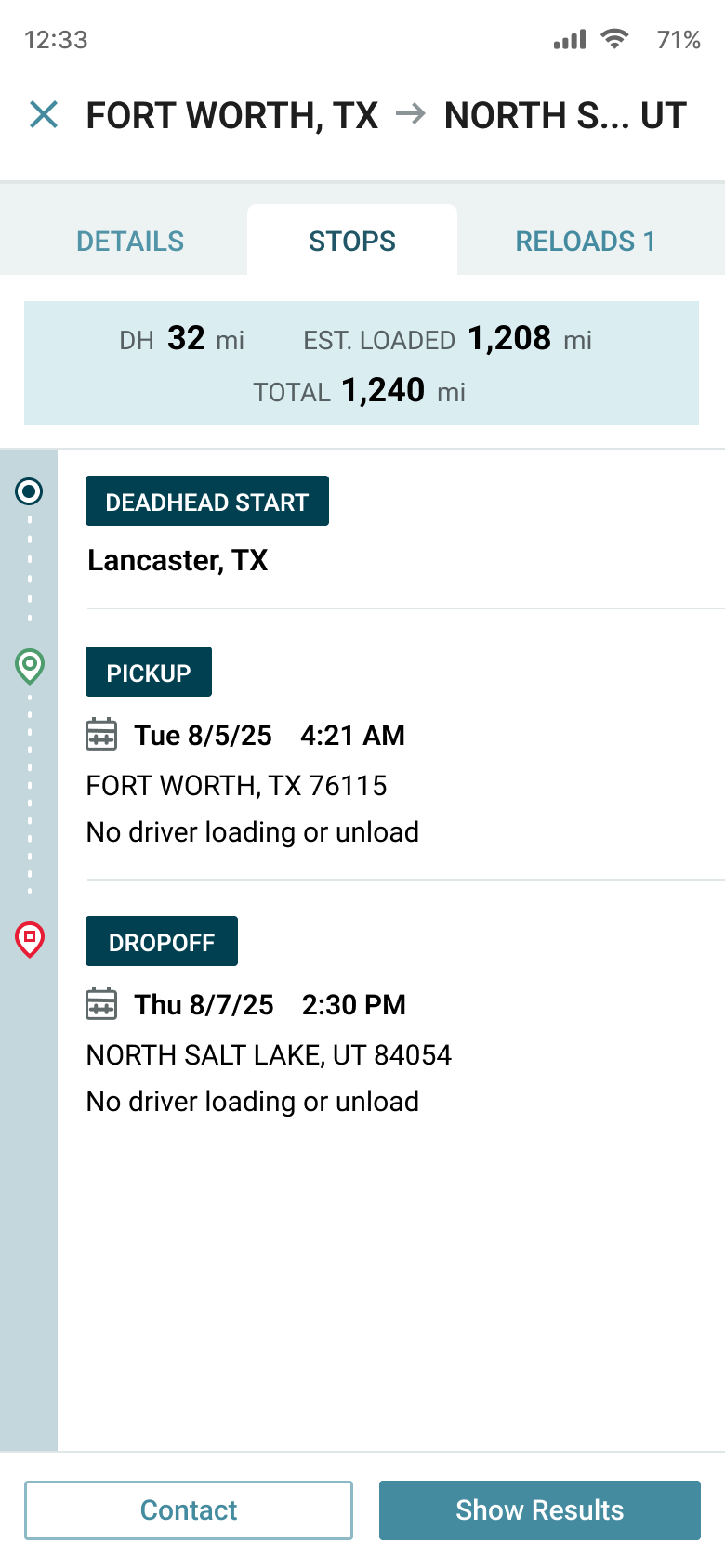
Route Timeline
Route stops, timing, and progress clearly visualized.
Higher Education
Reusable UI patterns to prevent drift and speed implementation.
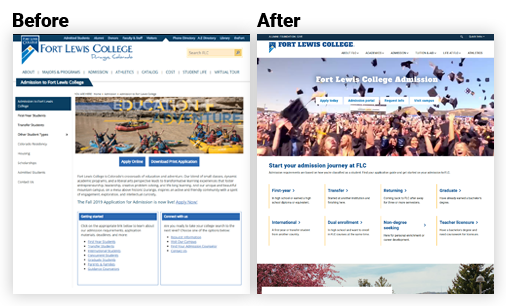
Fort Lewis
Programs, deadlines, and next steps clearly organized for students.
Higher Education
Clean input patterns with validation and clear recovery.
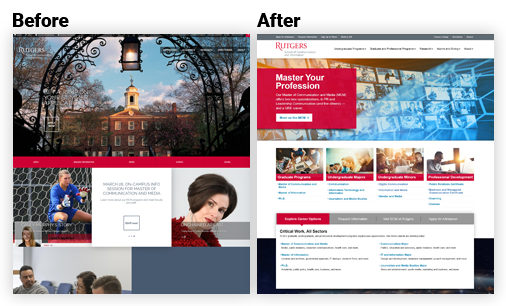
Rutgers Communication
Programs, pathways, and deadlines clearly organized for prospective students.
Capabilities
UI design scope tailored to your product maturity—new build, redesign, or system cleanup.
UI audit + consistency pass
- Heuristic + usability review
- Severity-rated quick wins
- Shippable UI roadmap
Visual hierarchy
- Typography + spacing system
- Layout patterns for scanning
- CTA + decision point clarity
Forms + interaction patterns
- Input layouts + validation
- Error messaging + recovery
- States: loading, empty, success
High-fidelity UI (Figma)
- Shippable screens + states
- Clickable prototype for review
- Content-ready UI copy
Component systems
- Reusable components + rules
- Documented states
- Visual drift prevention
Accessibility-ready UI
- Contrast, focus, targets
- Semantic patterns + states
- Usability guardrails
What you get
Implementation-ready deliverables for teams shipping UI at speed.
| Deliverable | What you get | Why it matters |
|---|---|---|
| UI audit (optional) | Severity-rated findings + quick wins | Fix the highest-impact issues first |
| UI system updates | Tokens, styles, components, states | Prevents drift + speeds delivery |
| High-fidelity UI (Figma) | Screens and key states for workflows | Reduces rework during build |
| Interaction patterns | Forms, tables, empty/error/loading, confirmations | Keeps users moving without confusion |
| Handoff notes | Specs, behaviors, acceptance criteria | Engineers build confidently |
UI design process
A lightweight process that keeps UI decisions consistent and shippable.
-
1. Review
Evaluate the current UI and identify inconsistency and friction.
- Heuristic + usability review
- UI inventory (patterns + components)
- Severity ratings + quick wins
-
2. Define
Set UI rules that keep the experience predictable.
- Hierarchy + layout patterns
- Type scale + spacing
- Accessibility guardrails
-
3. Design
Create high-fidelity screens and reusable components.
- Key screens + workflows
- Components + variants
- States: empty/error/loading/success
-
4. Validate
Confirm readability, accessibility, and usability.
- Contrast + focus states
- Tap targets + density review
- Iteration with rationale
-
5. Handoff
Deliver specs and behaviors engineers can build with confidence.
- Figma specs + annotations
- Behavior notes + acceptance criteria
- QA support to reduce rework
-
6. Iterate
Refine based on feedback and real usage.
- UI polish + consistency pass
- Backlog for next sprints
- Ongoing design system updates
FAQ
Quick answers for teams improving UI quality and consistency.
Is this just visual design?
Can you work within our existing design system?
Do you provide developer-ready handoff?
Can you help with accessibility?
Hire a UI Designer who ships clean, consistent interfaces
Tell me what you’re building—SaaS, portal, website, or workflow tool. I’ll follow up with a clear scope and the fastest path to a UI system your team can ship confidently.