
Mobile Product Design
Mobile Product Design that reduces friction and increases task completion
My Mobile Product Design services focus on reducing friction in high-stakes, workflow-heavy environments where speed, clarity, and accuracy matter. I design mobile experiences that help users quickly understand what’s happening, know what to do next, and take action with confidence—even under pressure.
Instead of adding features, I prioritize information speed and task efficiency—eliminating unnecessary steps, reducing cognitive load, and designing interfaces that support fast decisions, compliance, and real-world constraints. The result is mobile UX that improves completion rates, reduces errors, and scales with complex operational workflows.
What this service improves
Mobile UX/UI breaks down when screens are busy, errors are vague, and workflows don’t match real-world behavior. I focus on the moments where users hesitate, stall, or abandon—and redesign those interactions to be clear and fast.
Mobile UX friction patterns
- Users miss key actions because screens are busy, unclear, or inconsistent.
- Forms and confirmations create drop-offs (especially on small screens).
- Error handling is vague, causing rework and support tickets.
- Navigation doesn’t match real workflows, so users bounce or stall.
What you get
Mobile UX/UI deliverables your team can implement—designed to reduce friction and increase completion.
Mobile UX audit
Findings + prioritized fixes (quick wins and strategic).
- Targets the highest-impact friction first
- Clarifies what to change and why
- Improves flow momentum on mobile
User flows + edge cases
Task flows, alternate paths, error recovery.
- Prevents drop-offs and reduces support load
- Designs for real-world constraints
- Improves predictability under pressure
High-fidelity UI
Mobile screens + key states (loading/empty/error/success).
- Improves clarity and speeds development
- Stronger hierarchy + scannability
- Less rework during build
Components + patterns
Reusable UI blocks and documented states.
- Consistency across the product
- Faster iteration and QA
- Clear interaction rules
Measurement plan
Event suggestions + funnels aligned to outcomes.
- Turns UX into defensible results
- Tracks completion and drop-offs
- Supports continuous improvement
Accessibility built-in
WCAG-aligned contrast, focus states, tap targets, and readable type scale.
- Improves usability and quality
- Reduces risk and blocked users
- Better UI consistency
UI & graphic examples
Client / Product: Driver F1rst (Concept Mobile App). Driver F1rst is a mobile-first logistics platform designed to eliminate communication gaps between brokers, dispatchers, and drivers. The core challenge was not speed of transportation—but speed of information.
As part of my Mobile UX/UI Design services, I designed Driver F1rst to function as a clear, reliable communication layer for freight operations—helping users act quickly, stay compliant, and resolve issues before they escalate.
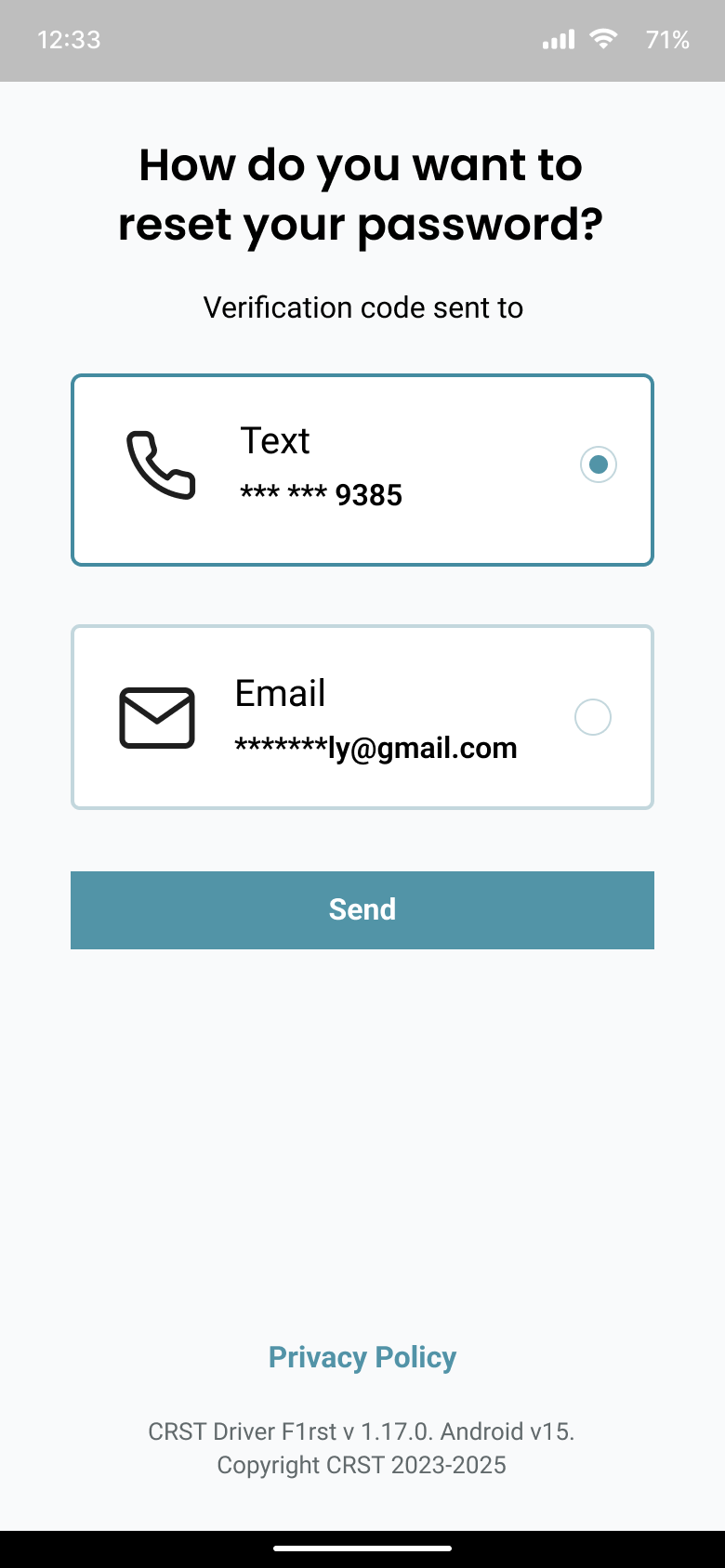
Verify your login using the Driver F1rst app.
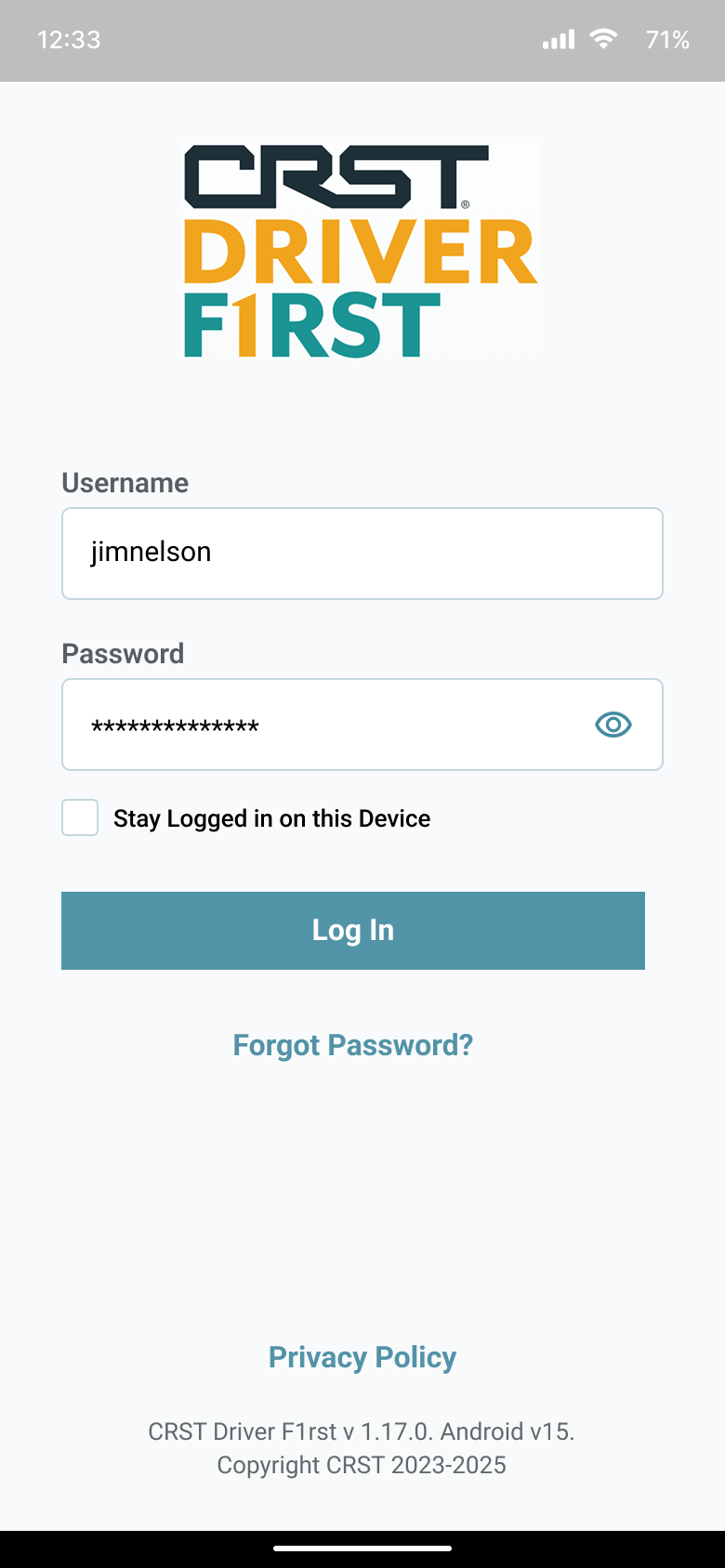
Use your username and password to sign in.
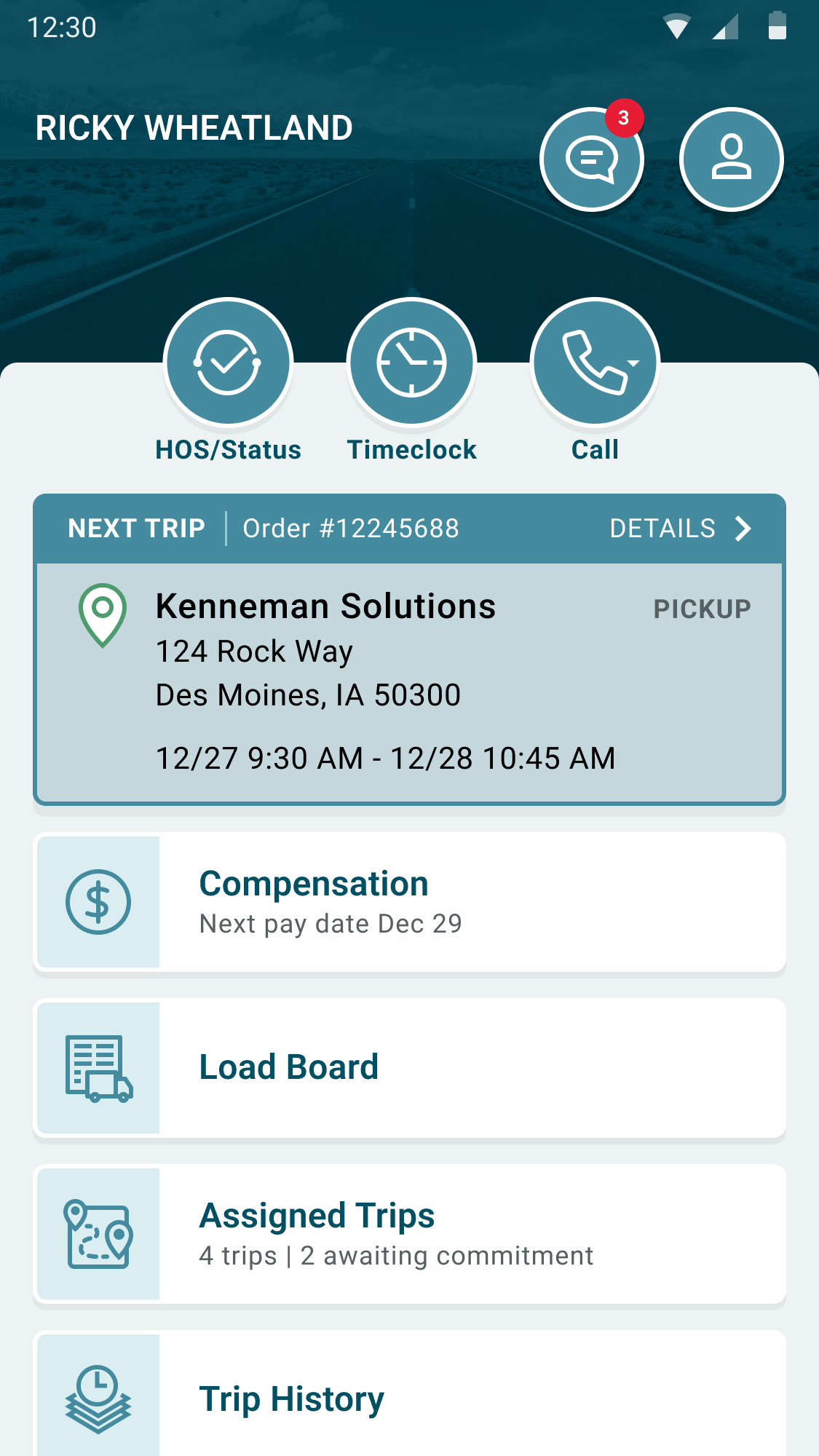
See your loads, updates, and current status.
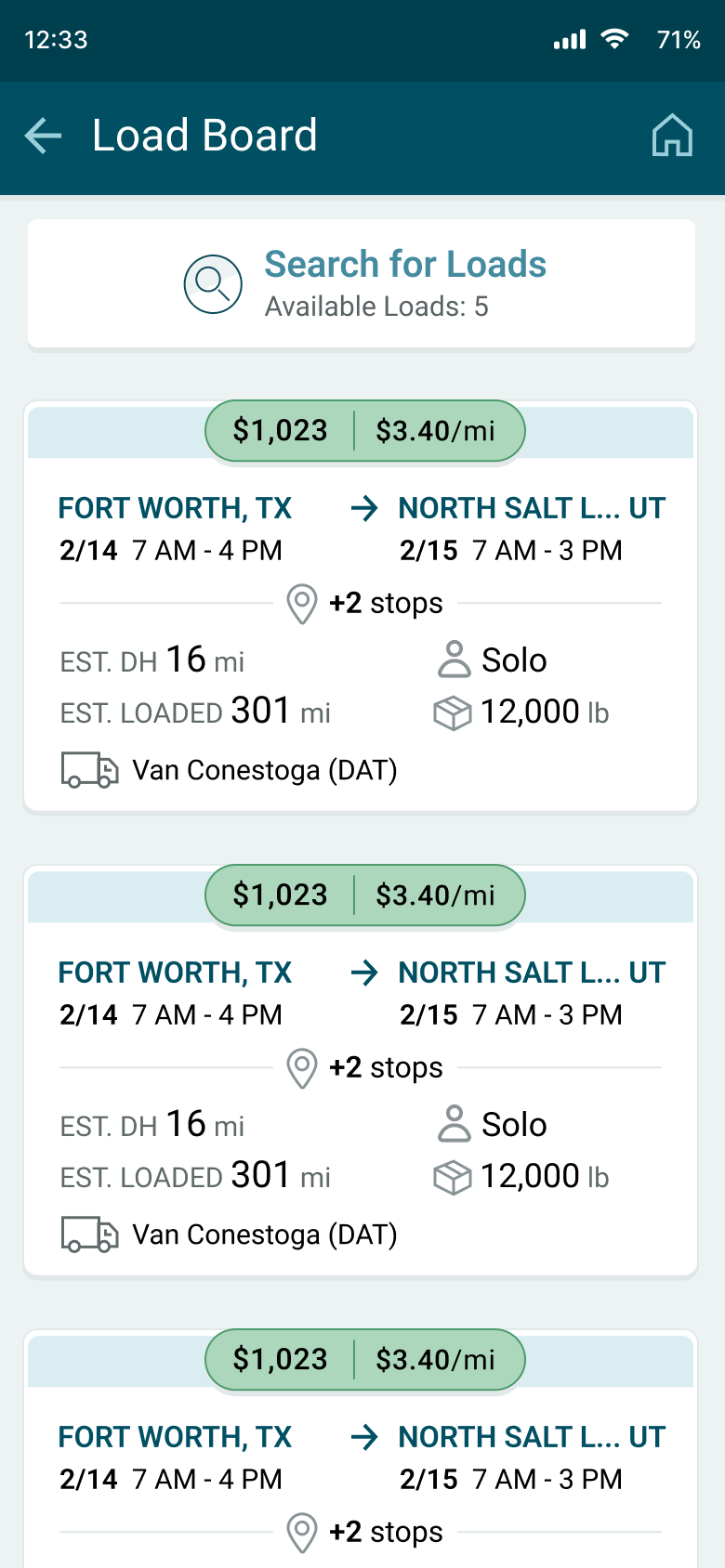
Error handling, empty states, or progress indicators.
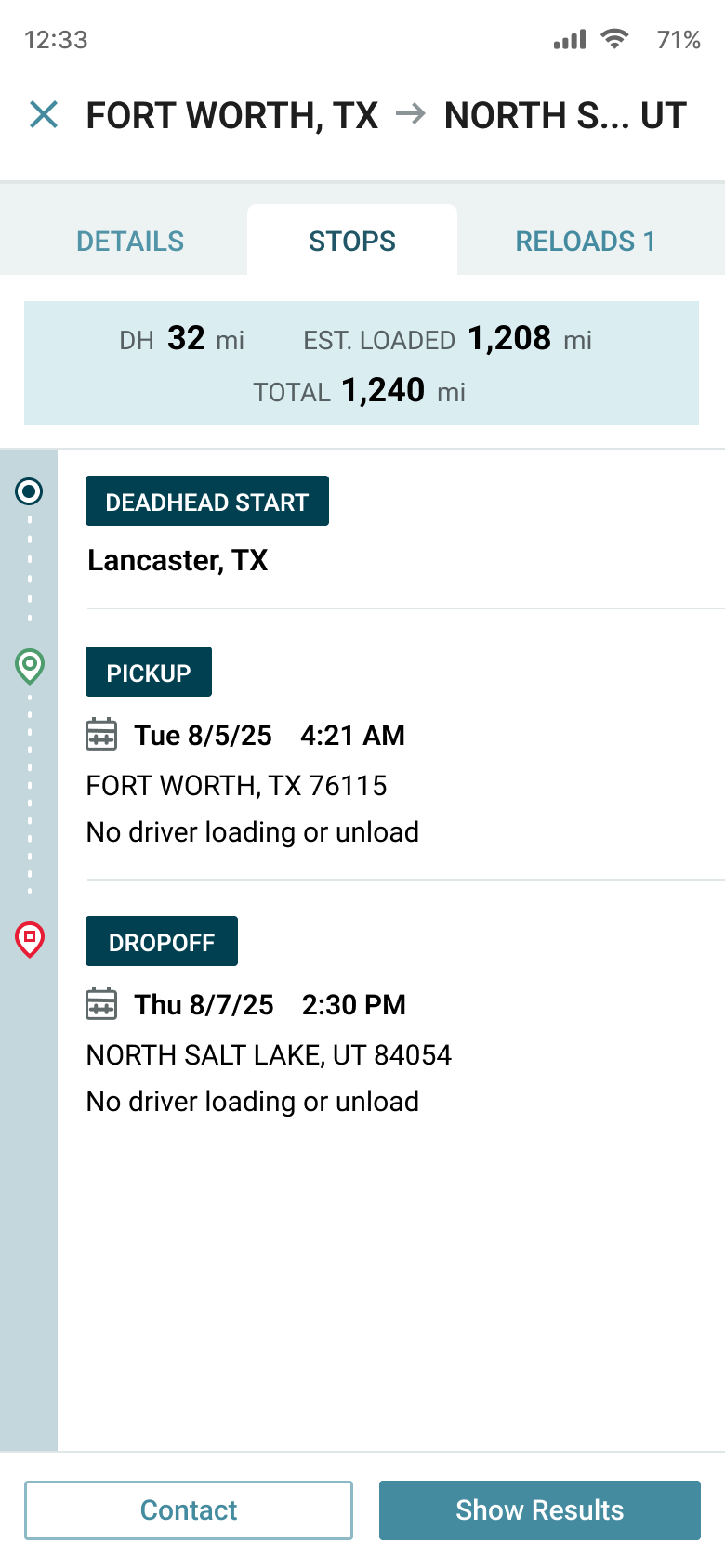
See your load’s progress over time.
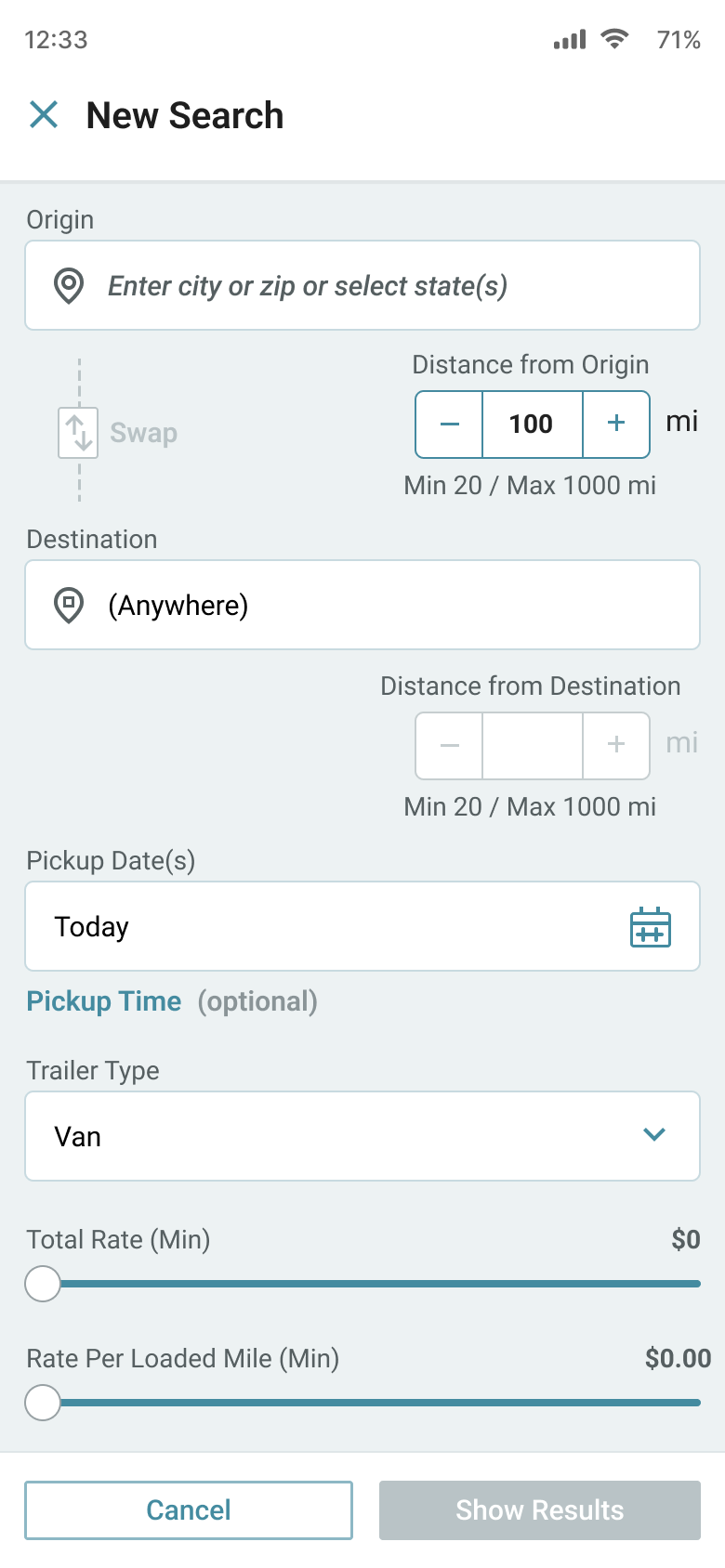
Select the details you want to search.
Mobile UX design process
A structured process that turns workflow friction into shippable, measurable mobile UI.
-
1. Research
Understand users, context, and workflow pressure points.
- Stakeholder + user interviews
- Analytics review (top tasks, drop-offs, funnels)
- Heuristic scan to isolate friction quickly
-
2. Define
Clarify the problem, success metrics, and constraints.
- Task inventory and prioritized goals
- UX requirements + constraints
- Measurement plan (events, conversions, completion)
-
3. Map & structure
Flows and IA built for mobile decision-making.
- User flows + edge cases
- Navigation model + hierarchy
- Content clarity + UI copy improvements
-
4. Design
High-fidelity mobile UI with states and accessibility built in.
- Component-ready screens (Figma)
- States: loading, empty, error, success
- Tap targets + hierarchy + clarity
-
5. Test & iterate
Validate usability and refine based on evidence.
- Usability tests or rapid review loops
- Accessibility checks (WCAG-informed)
- Iteration with clear rationale
-
6. Handoff & measure
Ship design engineers can build + tracking that proves impact.
- Specs, annotations, interaction notes
- QA support to reduce rework
- Post-launch measurement plan
Hire a Mobile UX/UI Designer who ships clarity, speed, and measurable results
If your app is struggling with drop-offs, confusion, or inconsistent UI, I’ll help you simplify the experience, strengthen task flows, and deliver high-fidelity screens your team can build confidently.